The Ultimate OCR Guide 2025
Learn how AI transforms images into editable text accurately, efficiently, and securely.
Updated for 2025 with latest AI advancements
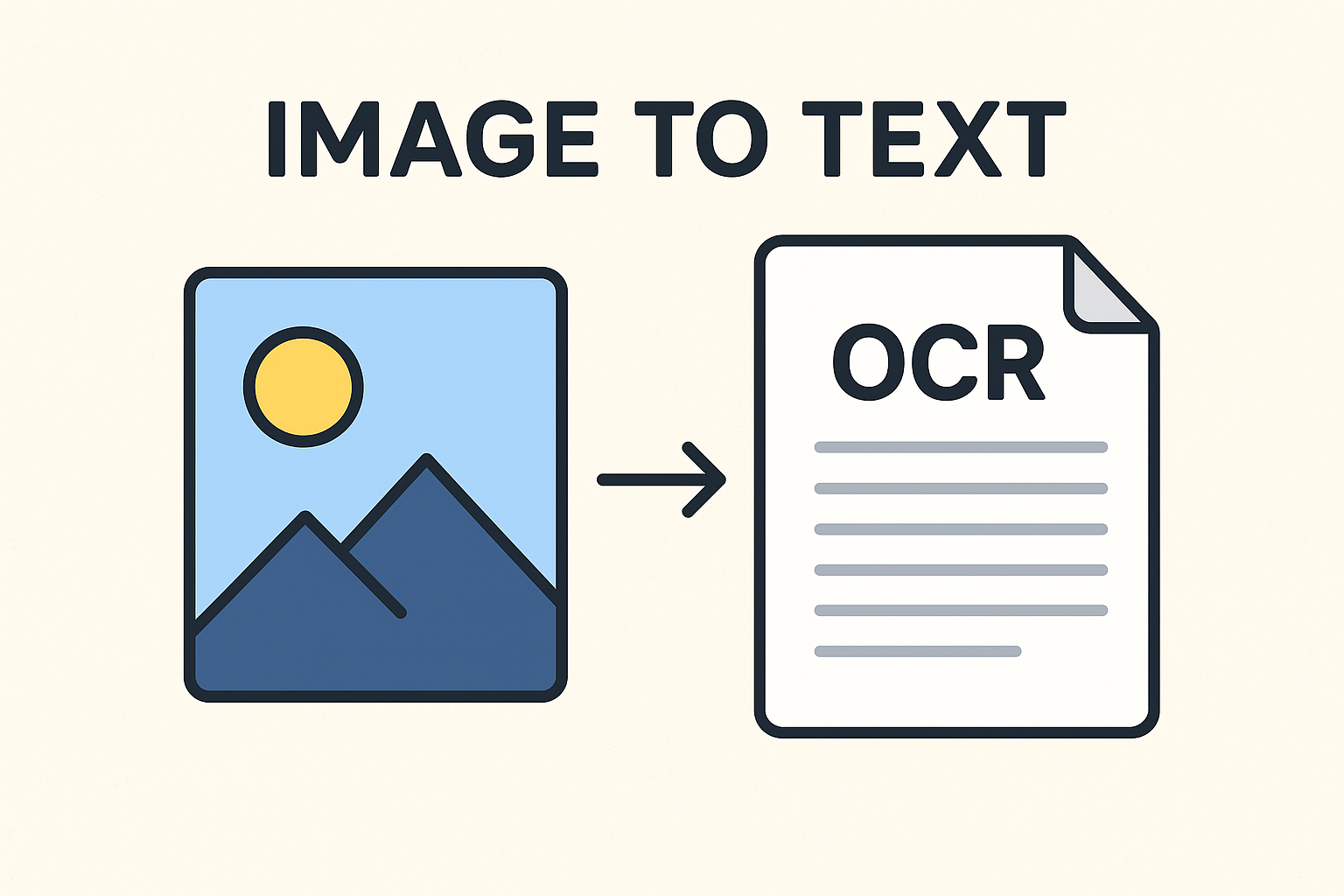
Introduction to OCR
Optical Character Recognition (OCR) is a cutting-edge technology that converts printed or handwritten text in images into machine-readable text. It has revolutionized data entry, document management, and digital archiving.
With modern AI-powered OCR in 2025, accuracy has skyrocketed, enabling reliable extraction of text from scanned documents, screenshots, photos, and even handwritten notes.
How OCR Works Step by Step
- Image Preprocessing:Enhances image clarity by reducing noise, correcting lighting, rotating skewed images, and detecting text boundaries.
- Text Detection:AI detects all text regions, even in multi-column layouts or complex formats.
- Character & Word Recognition:Deep learning compares each visual pattern against trained datasets to identify letters, numbers, and symbols accurately.
- Post-Processing:Applies grammar, context checks, and spacing corrections to ensure readable, clean output.
Benefits of Modern OCR
- Time-Saving: No need to manually type content.
- Productivity Boost: Automates document workflows.
- Searchable Content: Convert scans into searchable, editable text.
- Archival & Preservation: Digitize old documents or books.
- Accessibility: Make text readable by screen readers and assistive tools.
Traditional OCR vs Modern AI OCR
| Traditional OCR | Modern AI OCR (2025) |
|---|---|
| Rule-based pattern recognition | Deep learning and AI models for text extraction |
| Struggles with unclear images | Handles blur, tilt, and noise efficiently |
| Poor handwriting recognition | High accuracy on most handwritten notes |
| Limited language support | Supports dozens of languages and complex scripts |
| Fails on unusual fonts | Learns new fonts through continuous AI training |
OCR Accuracy in 2025
Optical Character Recognition (OCR) has seen significant improvements with AI and machine learning, but perfect accuracy remains elusive. Modern OCR systems achieve 81–99% character-level accuracy on printed text, yet human review or dictionary-based verification is often needed for full reliability.
Handwriting, cursive scripts, and complex characters—such as East Asian languages—remain challenging. Databases like MNIST help test handwritten digit recognition, but large, natural datasets are costly and difficult to produce. Accuracy also varies depending on measurement: a system with 99% character-level accuracy may still misread 5% of words.
Web-based OCR and pen-computing software can reach 80–90% accuracy on neat hand-printed text, but cursive recognition is lower without contextual or grammatical cues. Modern software allows users to set confidence thresholds, alerting them when manual verification is needed. Errors introduced during OCR are sometimes called "scannos".
As AI and imaging technologies advance, OCR continues to improve, though handwriting and historical texts ensure the field remains an active area of research.
| Text Type / Condition | OCR Accuracy Range |
|---|---|
| Clean printed text | 98–100% |
| Standard scanned documents | 92–99% |
| Old, faded, or damaged pages | 80–95% |
| Handwritten text (legible) | 80–95% |
| Cursive or stylized handwriting | 60–85% |
| Mixed fonts or poor contrast | 70–90% |
| Forms with checkboxes and tables | 85–95% |
| Complex scripts (East Asian, Arabic, etc.) | 70–90% |
Tip: Modern OCR accuracy depends heavily on image quality, document layout, and preprocessing. High-resolution scans (300–600 DPI), consistent lighting, and contrast enhancement reduce errors. Additionally, AI-based OCR can leverage dictionaries, context analysis, and machine learning to correct misrecognized characters automatically, significantly improving performance for both printed and handwritten content.
Best Practices:
- Preprocess images to remove noise and enhance clarity.
- Segment complex documents into text, tables, and images for accurate recognition.
- Use OCR models trained on the target language, script, and document type.
- Leverage contextual correction or lexicons for handwritten or cursive text.
- Set confidence thresholds to flag uncertain text for manual verification.
- Regularly update OCR engines to utilize latest AI improvements and neural-network models.
- For historical or degraded documents, consider hybrid OCR-human review workflows to achieve near-perfect accuracy.
Real-World Applications of OCR
- Education: Digitize notes, textbooks, and exams.
- Business: Automate invoices, contracts, and receipts.
- Healthcare: Convert prescriptions, patient records, and forms into editable formats.
- Personal: Save screenshots, letters, or books digitally for easy access.
Frequently Asked Questions
Q: Is image to text conversion free?
Yes. Image2Text.tech and other modern OCR tools provide free conversions with optional premium features for bulk processing or advanced AI options.
Q: Can OCR read handwriting accurately?
Modern AI OCR can read most handwriting with high accuracy. Cursive or highly stylized handwriting may require multiple scans or preprocessing for best results.
Q: Which file types are supported?
Common formats include JPG, PNG, JPEG, BMP, TIFF, and even PDFs containing scanned images.
Q: Is my data safe?
Reliable OCR platforms process your data securely in memory and do not store uploaded files permanently, ensuring privacy.
Q: How accurate is OCR in 2025?
With AI-powered OCR, printed text can reach 98–100% accuracy, scanned documents 92–99%, and handwritten text 80–95%, depending on image quality.
Start Using AI-Powered OCR Today
Convert images to text quickly, securely, and accurately with Image2Text.tech
Convert Images for Free